 Cliplo
Clipboard history, kept
Everything you copied. One search away.
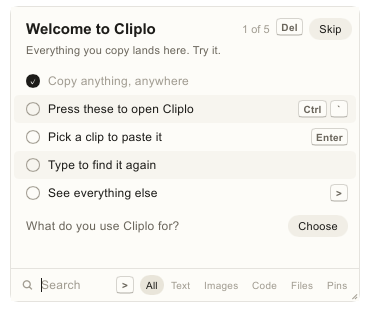
This is Cliplo, with sample clips. Type to search your clips, or a feature to see if Cliplo has it. Copy anything on this page and it lands on top.
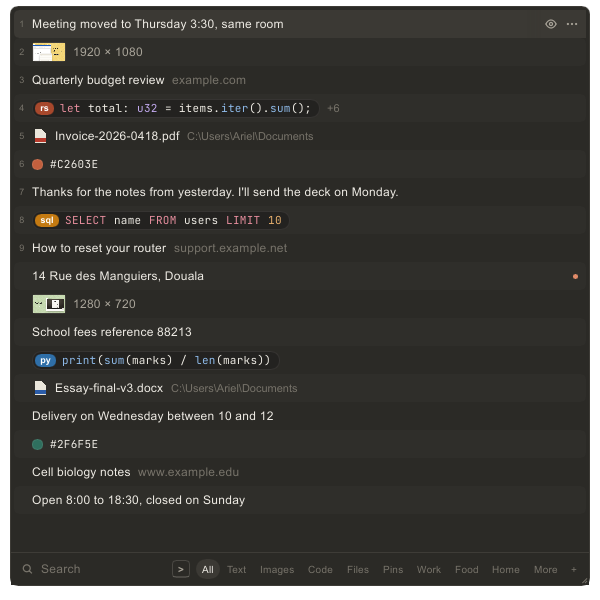
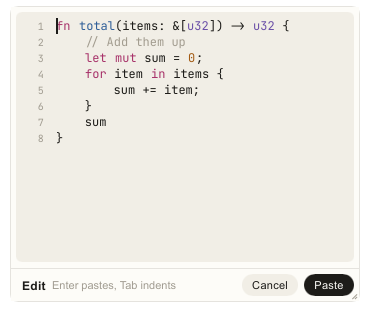
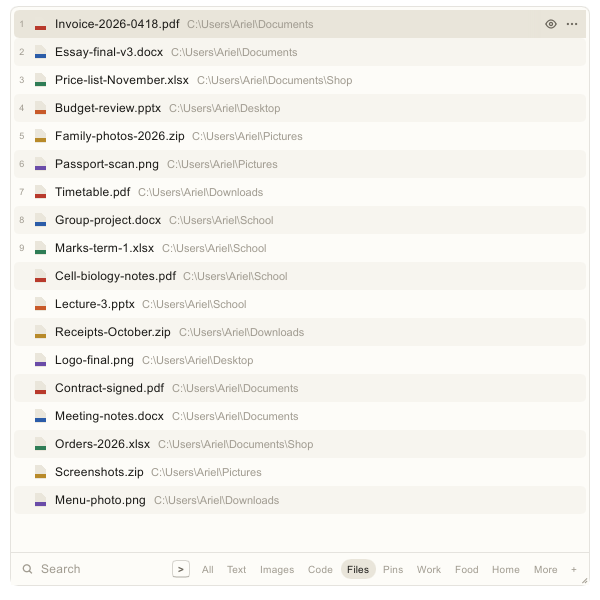
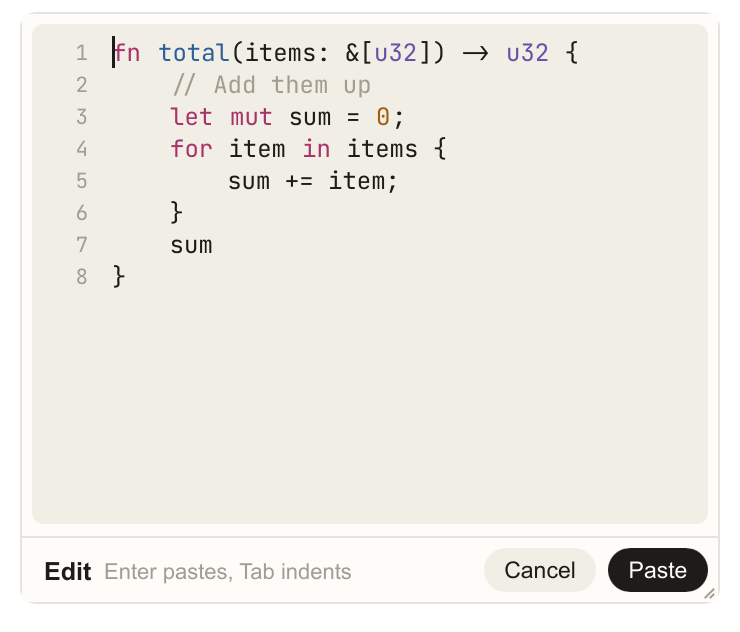
Every kind of copy. Text, pictures, links, code and files, kept in the order you copied them.
Copy the same thing twice and it moves to the top.
Keep a clip for good, past any limit you set.
Ctrl+1 to 9 pastes a clip without looking for it.
Search the way you remember. A word, the app it came from, or the day you copied it.
link:, img:, code: or file:, with words if you like.
invoice yesterday, monday, or 28 oct.
from:chrome finds what you copied in Chrome.
Your screenshots, one tab away. And the words inside them are read on your PC, so search finds them.
Press Space on any picture to see it in its own window.
Every word in a picture, copied in one go.
Drag across a picture and copy only what you need.
Private by default. Password managers are skipped, keys are hidden, and your history is encrypted on your PC.


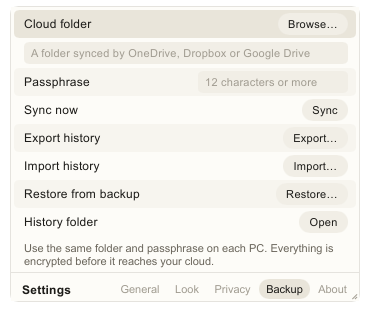
Nothing to sign up for, and no Cliplo server holding your clips.
Name any app, and nothing copied from it is recorded.
Kept in memory only, for five minutes. Hold Alt to reveal.
A vault no one knows is there. It opens only when you type its password into the search box.
Pro


Each one keeps its user name, notes and where it's used.
A password you paste is cleared after 30 seconds.
After five quiet minutes, the vault closes again.